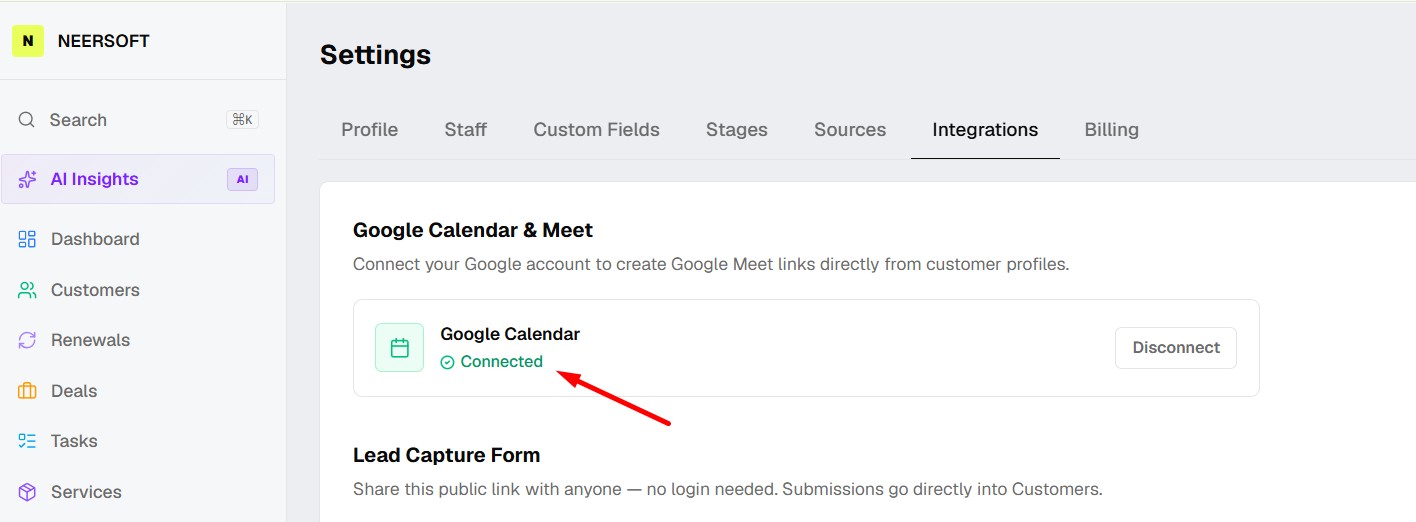

In this guide, learn how to how to Integrate Your Google Calendar.
Follow below steps.
Step 1: Login to NeerSoft CRM
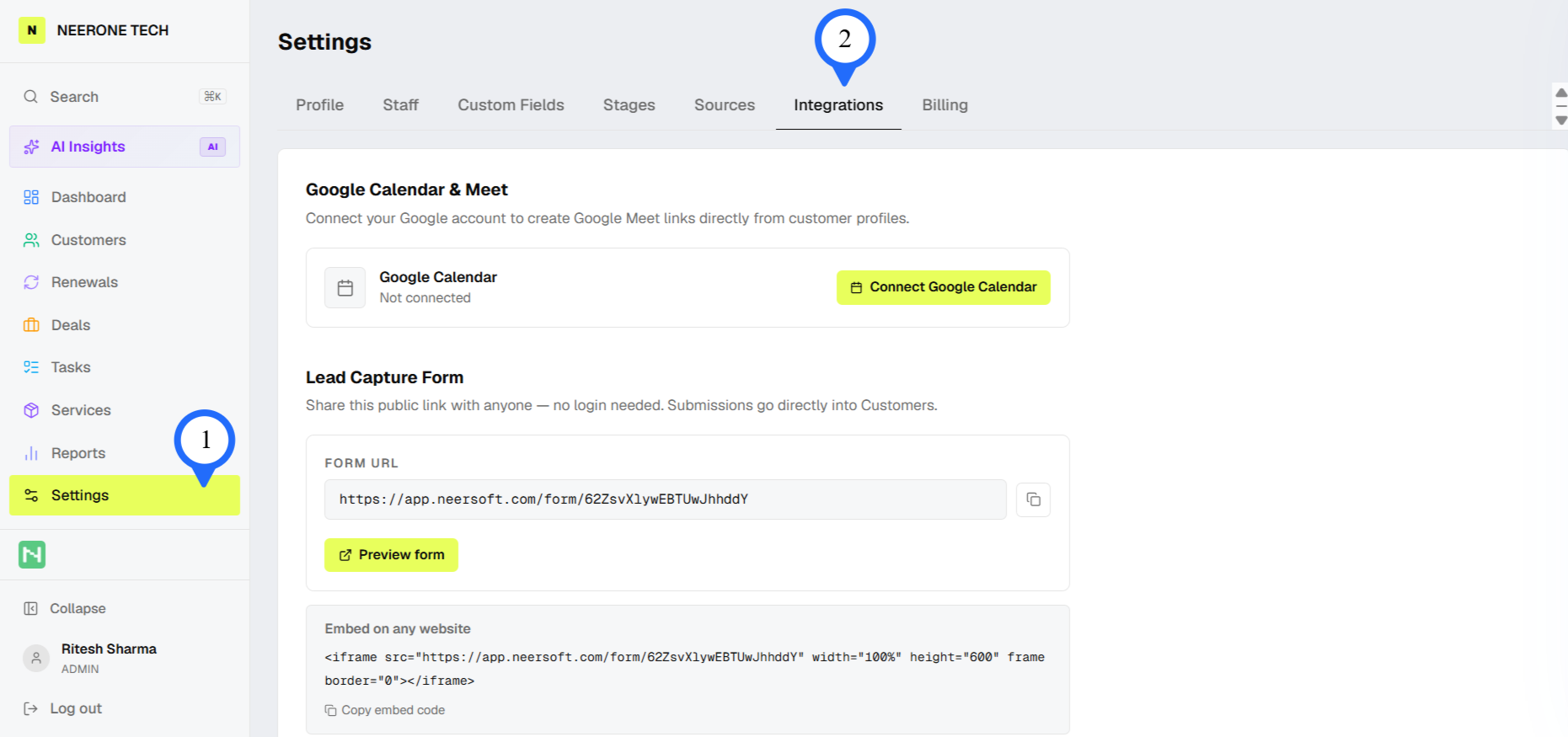
Step 2: Click on Setting and then Click on Integration
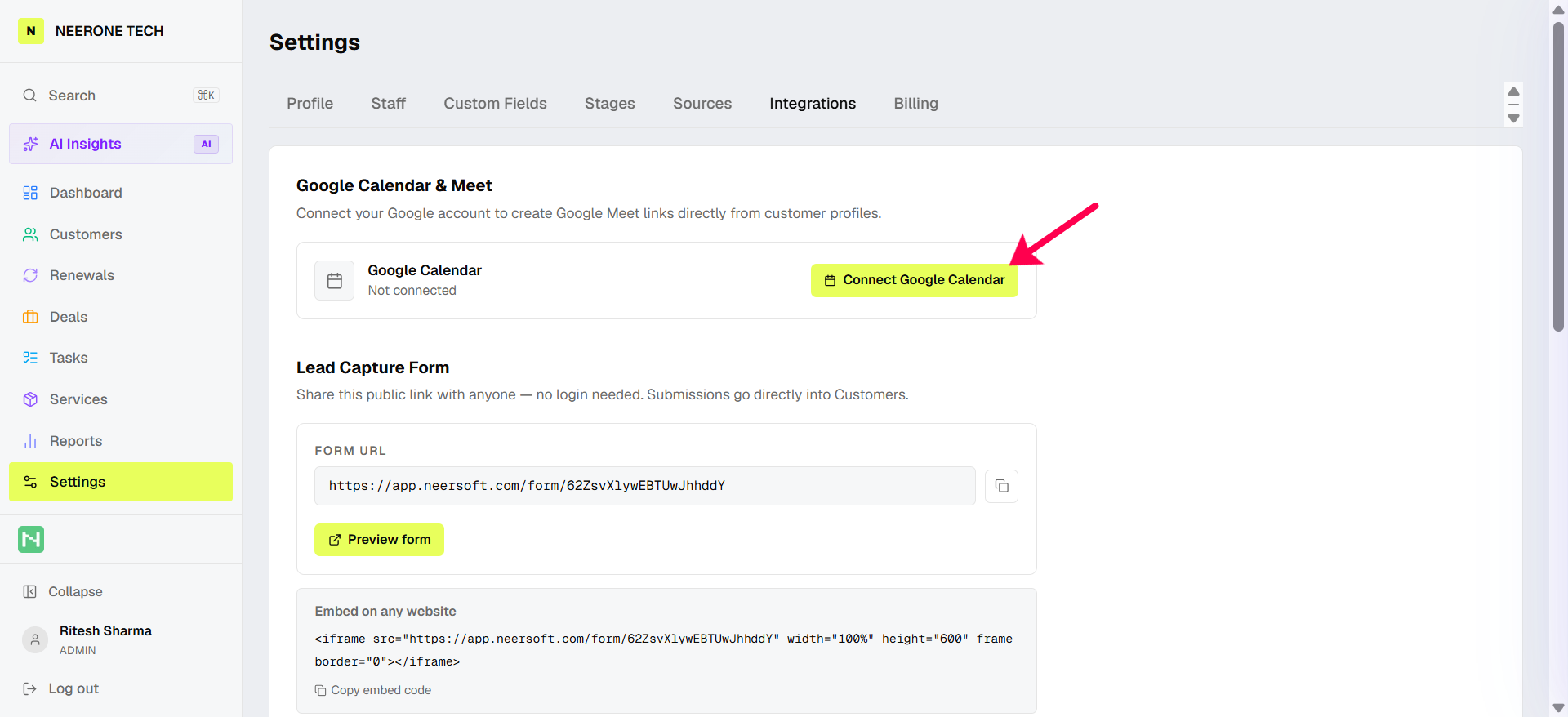
Step 3: Click on Connect Google Calendar Button
Step 4: After that, select the right Google Account and Approve it.
That’s it, your calendar is now connected.