
Getting Started: Sign Up & Complete Your Profile #
Step 1: Create Your Account #
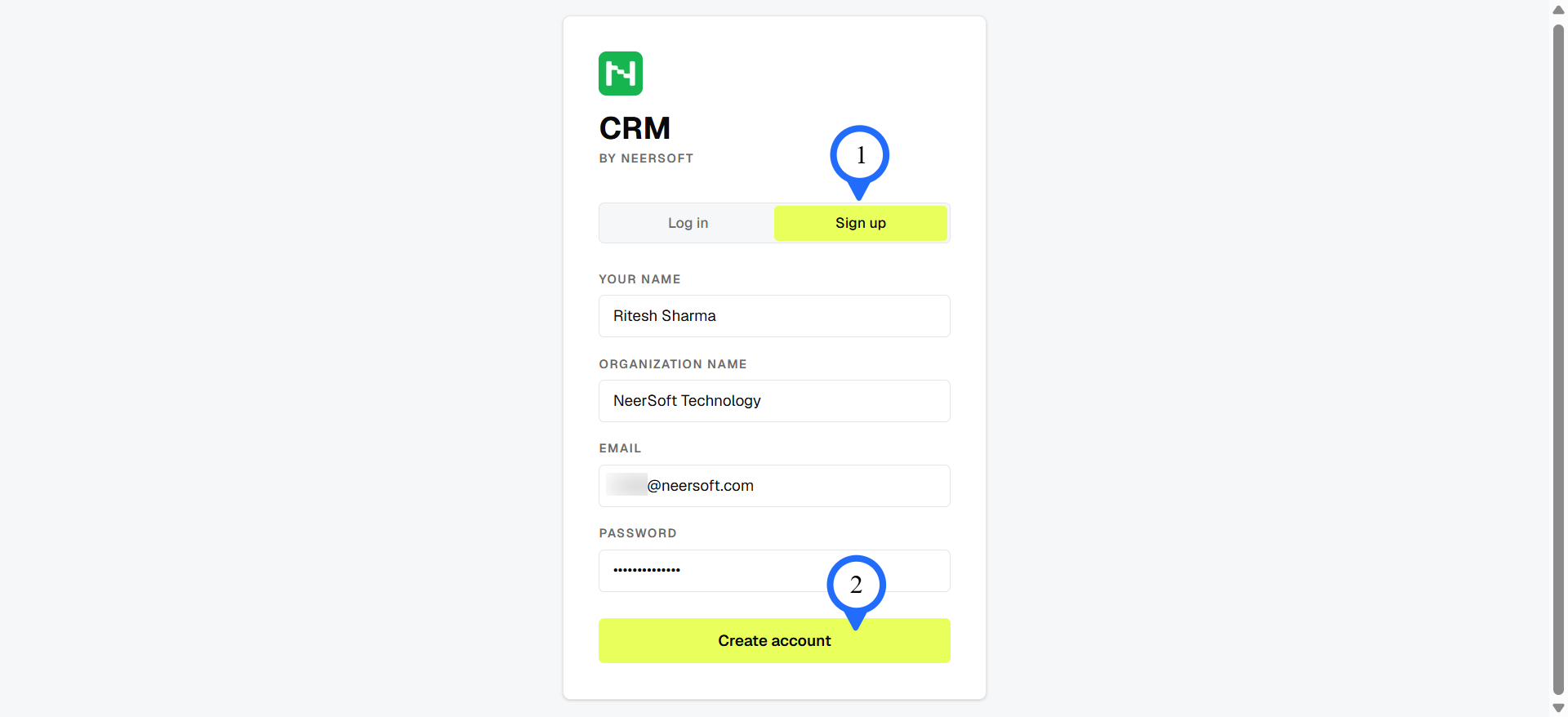
- Go to the CRM by NeerSoft sign-up page.
- Enter your name, email, and password.
- Click Sign Up.
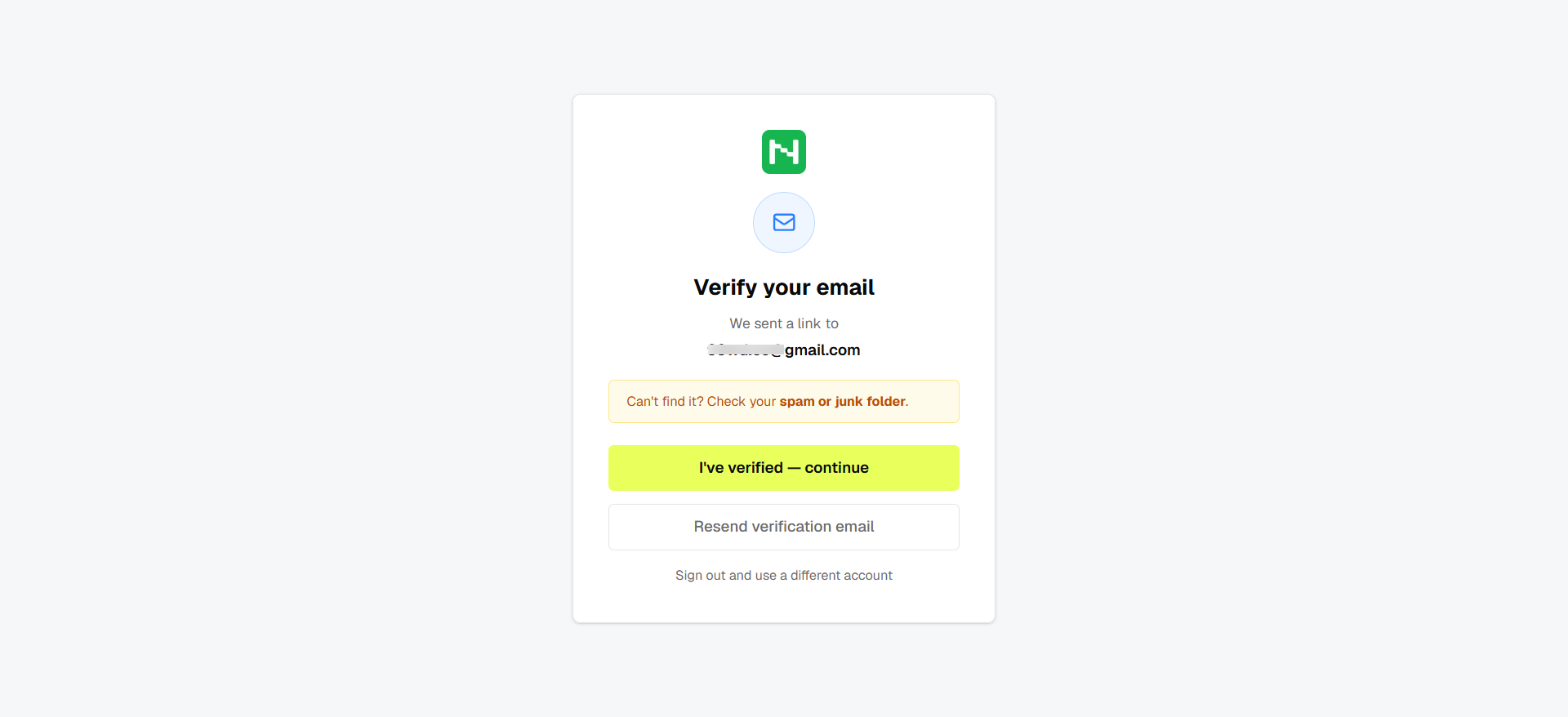
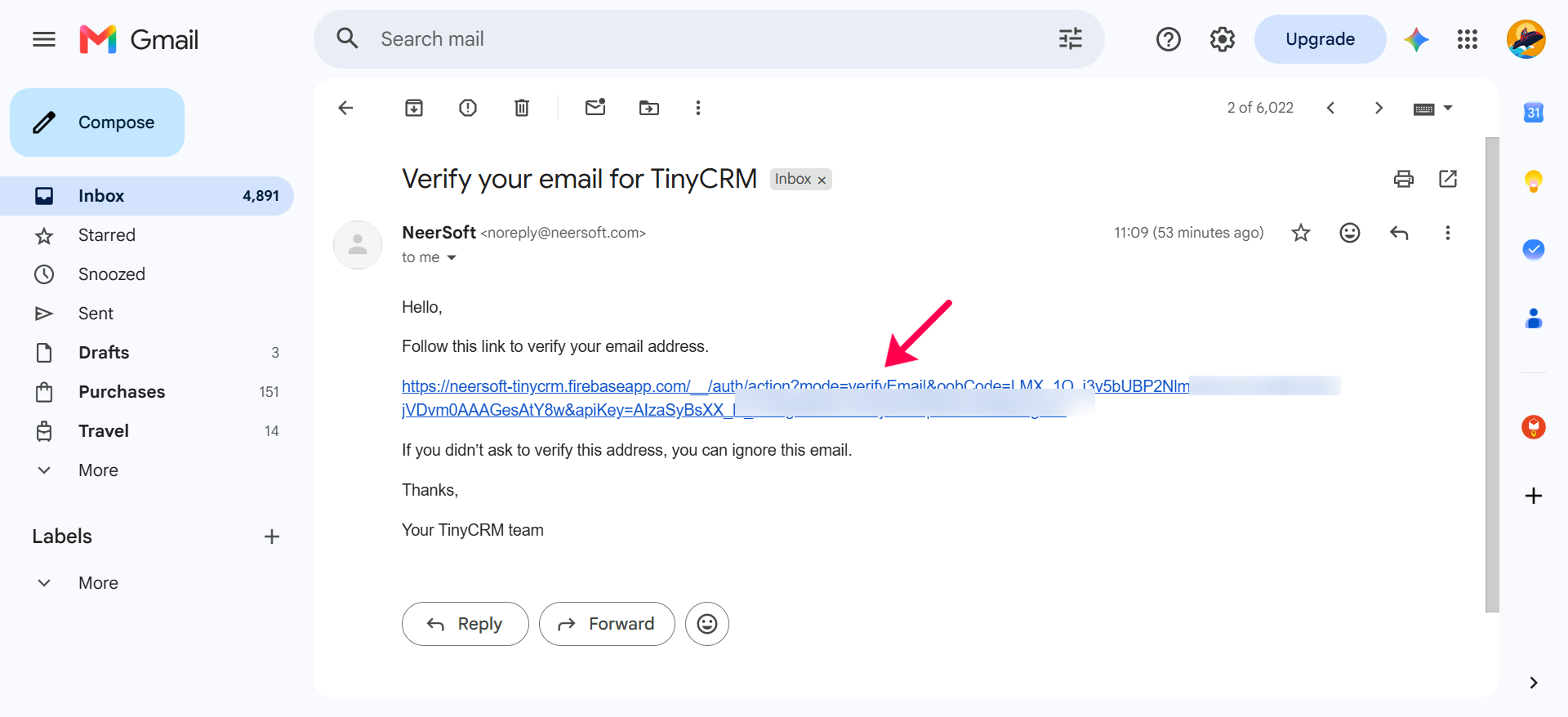
Please Note: After sign up process, it will ask to verify your email ID. Check your Inbox and click on link to verify the email.
Step 2: Log In #
- Open the login page.
- Enter your email and password.
- Click Log In.
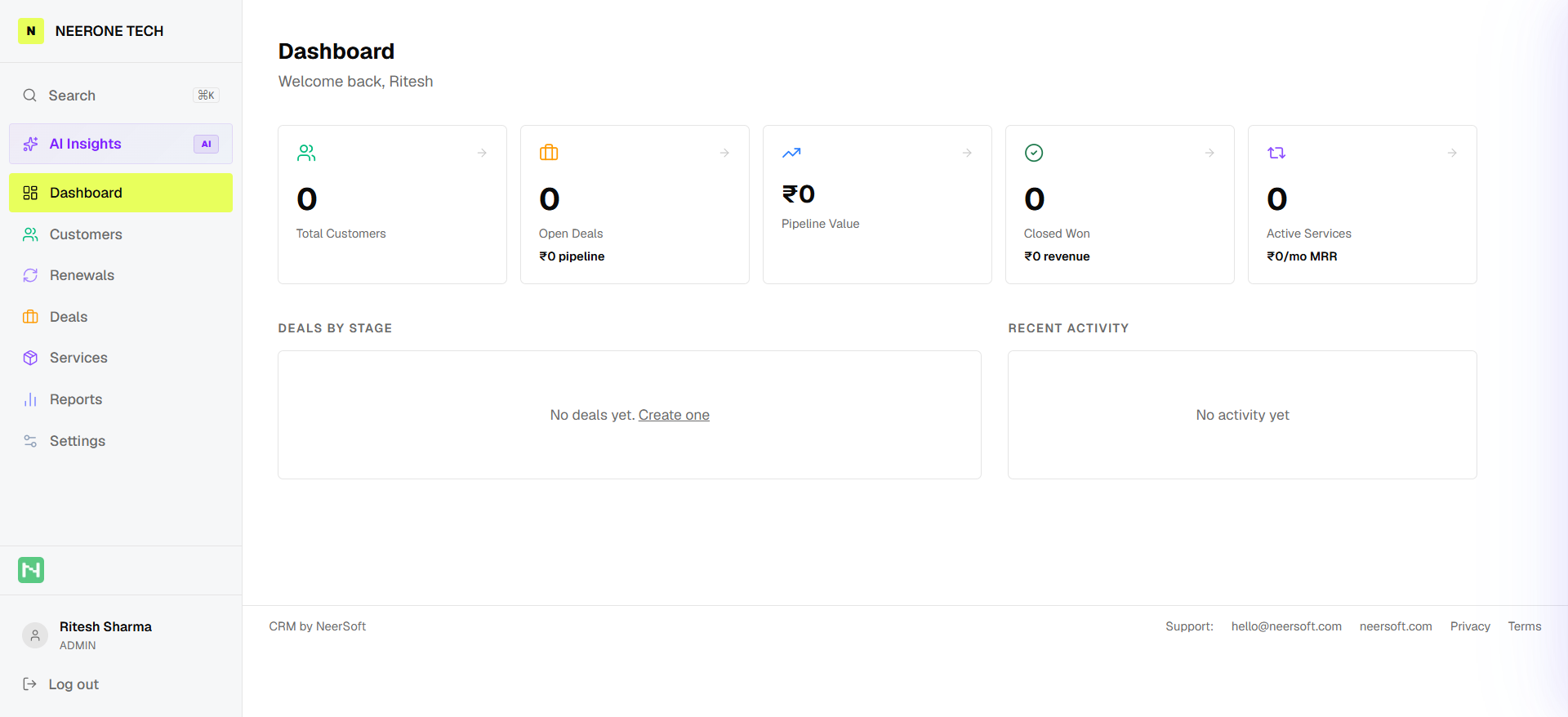
After login, you will see the Dashboard as below.
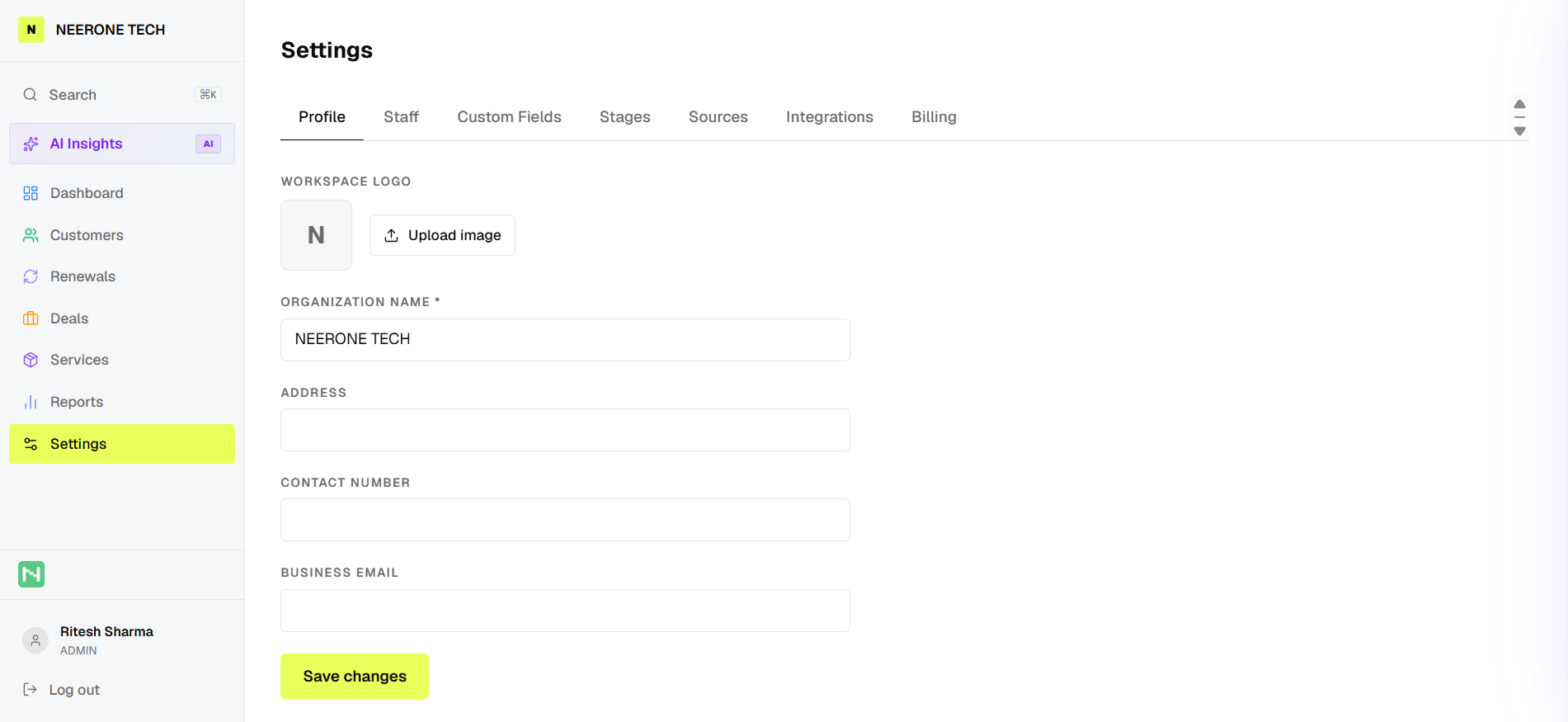
Step 3: Complete Your Profile #
- Go to Settings.
- Add your business name and basic details.
- Set up your workspace and save.